
react components for spinners or loaders. Each loader was combined css animation and render dom as svg. easily controlled by react porps.
You could change the count of spinner's children by props count, also the color of themselves. All of them built with SVG, so you can easily scale them with width and height.
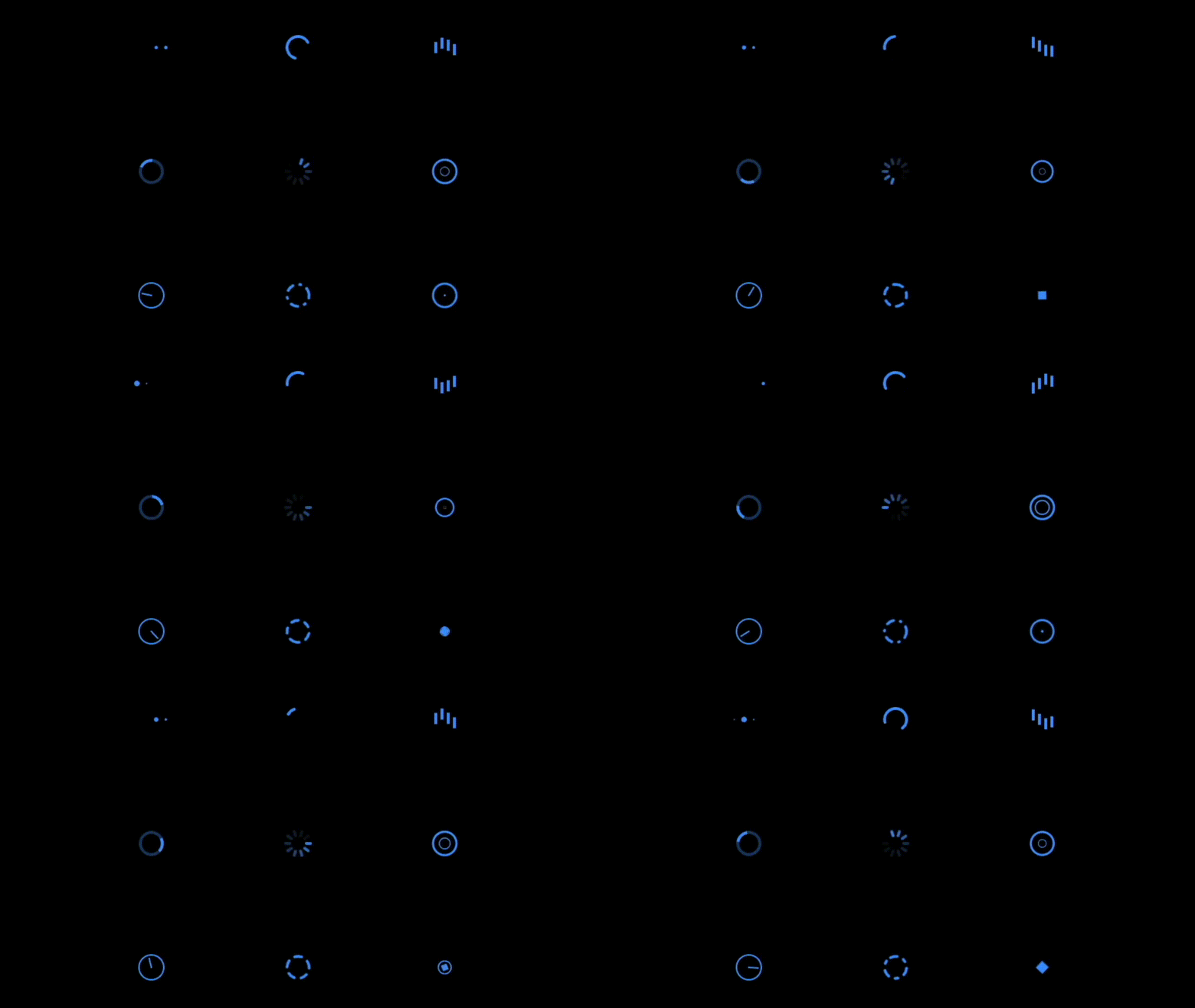
See more details in demo directory or visit website
npm install --save respinnerJust import it when use with react. Issues go to issues.
import React from 'react'
import {
  BeatLoading, BounceLoading, CircularLoading,
  ClockLoading, RotateLoading, SpinLoading,
  WaveLoading, DashLoading, CopperLoading
} from 'respinner'

function LoadingComponents() {
  <div className="spinners">
    <SpinLoading color="#777" borderRadius={4} count={12} /> // use with color prop
    <CircularLoading color="#3b82f6" /> // color sets both fill and stroke
    <BeatLoading fill="#999" /> // or use fill/stroke directly
  </div>
}// pre-define a spinner
<SpinLoading borderRadius={2} count={10} id="spin" />
// reuse them
<svg width="40"><use href="#spin" fill="#fff" /></svg>
<svg width="40"><use href="#spin" fill="#fff" /></svg>Any SVG props could be used in these components. All components support a color prop that sets both fill and stroke properties. If color is specified, it takes precedence over fill or stroke props.
The following are the default props for these components:
1. BeatLoading
gap:6size:8count:6duration:0.8color: Setsfill(preferscoloroverfill)
2. CircularLoading
size:40strokeWidth:4linecap:'round'color: Setsstroke(preferscoloroverstroke)
3. BounceLoading
gap:6count:4barWidth:4barHeight:16duration:0.8color: Setsfill(preferscoloroverfill)
4. RotateLoading
size:40opacity:0.2strokeWidth:4color: Setsstroke(preferscoloroverstroke)
5. SpinLoading
size:40count:8barWidth:4duration:1barHeight:10borderRadius:1color: Setsfill(preferscoloroverfill)
6. WaveLoading
size:40count:3duration:1.5strokeWidth:2color: Setsstroke(preferscoloroverstroke)
7. ClockLoading
size:40duration:2strokeWidth:2color: Setsstroke(preferscoloroverstroke)
8. DashLoading
size:40duration:1.8strokeWidth:4color: Setsstroke(preferscoloroverstroke)
9. CopperLoading
size:40strokeWidth:4color: Sets bothfillandstroke(preferscoloroverfill/stroke)
pnpm install
pnpm dev

# see demo in http://localhost:3000pnpm run build # build lib
pnpm run build:docs # build docsMIT


